

How to generate llms.txt for your website (2026 guide)
A practical walkthrough of the llms.txt specification for 2026: why you should publish one, the exact Markdown format, a copy-paste template, and how llms-full.txt differs. Ship a working llms.txt in five minutes.
What is llms.txt?
/llms.txt is a Markdown file at the root of your domain that describes your content hierarchy to language models. It was proposed in late 2024 by Jeremy Howard and has become, over 2025 and into 2026, the de facto companion to robots.txt for AI crawlers. Where robots.txt says "which paths are AI crawlers allowed to fetch", llms.txt says "here is how to navigate them once you are in".
Major answer engines - including the pipelines behind Perplexity, You.com, Brave Search, and parts of the ChatGPT and Gemini crawl - consult llms.txt when building their citation graphs. Publishing one typically moves citation reach within four to eight weeks after re-crawl.
Why publish one
> Already have one? Run the free llms.txt reality check - it fetches your file the way a crawler does and catches the serving failures paste-in validators cannot see.
LLMs have a finite context window. When they cite your site they prefer the canonical version of a page over a duplicate, the recent version over the stale one, and the focused page over the sprawling one. llms.txt lets you declare which is which without making the LLM infer it from your sitemap.
In practice this is what you lose by not publishing one:
- Citations that point to your pagination archives (
/blog/page/3) instead of your article. - Citations that point to translated or tag-archive versions instead of the source.
- Citations to your legacy CMS URLs instead of the new paths.
- Missed citations because the engine ran out of budget crawling non-canonical variants before reaching your important pages.
Publishing an llms.txt is a five-minute job with outsized impact. It is also idempotent - you can republish whenever your structure changes.
The spec, briefly
/llms.txt is a plain-text Markdown file served with Content-Type: text/markdown or text/plain. The structure is deliberately minimal:
1. Title line. # <Site Name> on line one. 2. Summary blockquote (optional). One blockquote paragraph (> ...) describing the site in a sentence. 3. Sections. ## <Section Name> headings, each followed by a bullet list of - Page title entries. Optionally add a short free-prose paragraph under a section before or after the list. 4. Optional tail paragraphs. Any additional prose after the final section.
That is the entire spec. No XML, no JSON, no proprietary fields. Keep it to a single screen where possible; most successful llms.txt files are under 2KB.
The companion file: llms-full.txt
/llms-full.txt is a larger file containing the full Markdown content of the pages you most want the model to have cached. Publishing one saves the engine from fetching each listed page individually - often the difference between having your content cited reliably and being partial-indexed.
Keep /llms-full.txt under approximately 100KB total. Engines cap how much they will read and concatenate; a 500KB file is worse than a 50KB file because the overflow is silently truncated, and you do not know which pages were dropped.
A good selection strategy for /llms-full.txt:
- Your homepage summary.
- Pricing page.
- Product / features overview.
- Top three blog posts by organic traffic.
- Core documentation index.
Leave pagination, tag archives, and login-gated pages out.
Copy-paste template
# Example Corp

> One-sentence description of what the site is and who it is for.

## Core pages

- [Home](https://example.com/)
- [Pricing](https://example.com/pricing)
- [Features](https://example.com/features)
- [How it works](https://example.com/how-it-works)

## Docs

- [Getting started](https://example.com/docs/start)
- [API reference](https://example.com/docs/api)
- [Integrations](https://example.com/docs/integrations)

## Comparisons

- [Example Corp vs Competitor A](https://example.com/vs-a)
- [Example Corp vs Competitor B](https://example.com/vs-b)

## Blog

- [Our approach to X](https://example.com/blog/approach-x)
- [How we built Y](https://example.com/blog/built-y)

## Legal

- [Terms of Service](https://example.com/legal/terms)
- [Privacy Policy](https://example.com/legal/privacy)
Replace the placeholder URLs with your actual paths. Keep absolute URLs - relative paths will be misinterpreted by some parsers. Order matters: earlier sections are weighted higher when the engine is choosing which pages to fetch first.
Serving the file
Put the file at the domain root: https://yoursite.com/llms.txt. Serve it with:
Content-Type: text/markdown(ortext/plainas a fallback).Cache-Control: public, max-age=86400for a one-day cache.- No auth, no redirects, no trailing-slash variants. Engines that follow redirects will, but it costs crawl budget.
If you run WordPress, the Citevera plugin serves /llms.txt dynamically and regenerates it automatically on every save_post hook. If you run a static site, write the file once and regenerate on content changes as part of your build.
A real example
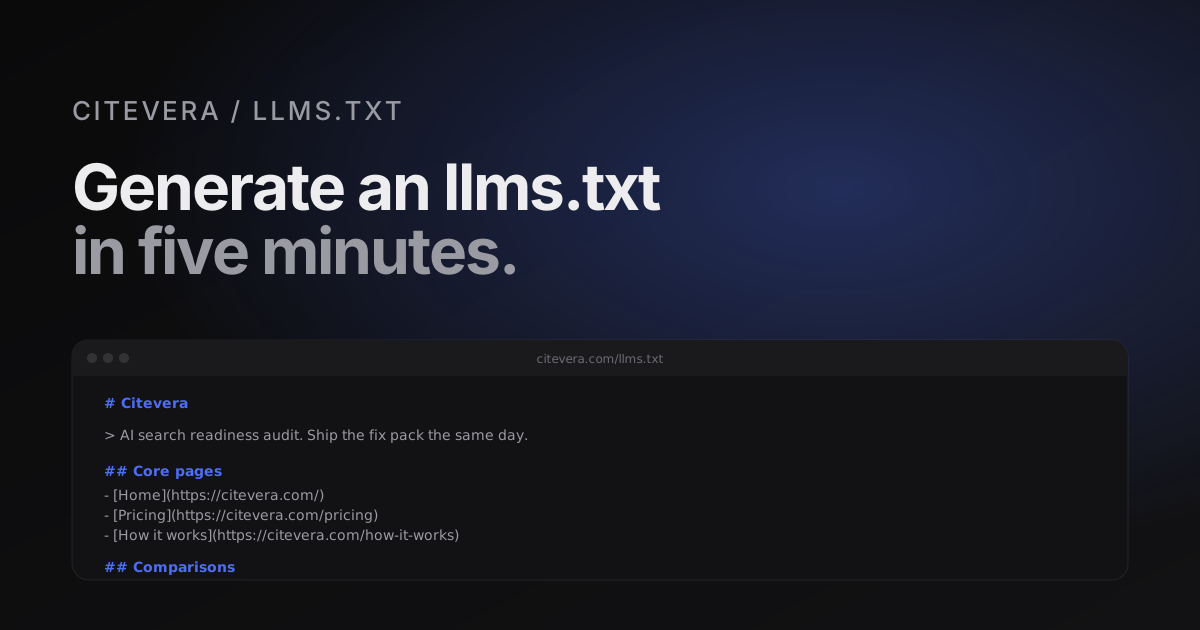
Here is the first half of Citevera's own /llms.txt, lightly trimmed:
# Citevera

> AI search readiness audit. Check whether AI engines can find, read, and cite your website, then ship the fixes the same day.

## Core pages

- [Home](https://citevera.com/)
- [Pricing](https://citevera.com/pricing)
- [How it works](https://citevera.com/how-it-works)
- [Features](https://citevera.com/features)
- [For agencies](https://citevera.com/for-agencies)
- [WordPress](https://citevera.com/wordpress)

## Comparisons

- [Citevera vs Profound](https://citevera.com/vs-profound)
- [Citevera vs Otterly](https://citevera.com/vs-otterly)
- [Citevera vs Peec](https://citevera.com/vs-peec)

## Legal

- [Terms of Service](https://citevera.com/legal/terms)
- [Privacy Policy](https://citevera.com/legal/privacy)
Common mistakes
Five issues we see repeatedly in first-draft llms.txt files:
- Including pagination archives.
/blog/page/2,/blog/page/3, etc. - these are duplicate-content noise, not canonical pages. - Including staging URLs. If you draft the file on staging and forget to rewrite, you will publish staging URLs to the engines. They will fetch, fail, and downweight you.
- Skipping the blockquote. The one-line blockquote description is the single most-quoted sentence from your
llms.txt. Write it carefully. - Forgetting to update after redesign. A structural overhaul that leaves the
llms.txtpointing at 404s will hurt your citation share until you re-publish. - Mixing Markdown variants. Use standard CommonMark. Avoid bespoke link syntaxes, footnotes, or reference links.
Validation
There is no official validator as of April 2026. A pragmatic test:
1. Fetch your file with curl -I https://yoursite.com/llms.txt and confirm a 200 response with the right Content-Type. 2. Paste the body into a CommonMark preview and confirm the rendering matches what you intend. 3. Manually visit every link to confirm no 404s or unintended redirects.
Citevera's audit validates the file on every scan and flags broken links, wrong content types, or oversized llms-full.txt files.
What Citevera generates for you
Every Citevera scan produces a proposed /llms.txt and /llms-full.txt based on the pages it crawled. The output respects your sitemap, skips pagination and tag archives, and preserves your section-heading hierarchy where it can be inferred. You can paste the output straight into the root of your site. If you want the LLMs to see a different hierarchy than your sitemap implies, edit the generated file before publishing.
On WordPress, the Citevera plugin serves both files dynamically, so you do not need to copy or paste anything - the files regenerate on content changes.
Generate llms.txt for your site with a free audit
Frequently asked questions about llms.txt
Is llms.txt an official standard?
Not yet. It is a de facto standard adopted by major AI answer engines and a growing set of tools. There is no IETF RFC, but the spec is stable enough that files written to the original 2024 proposal still work in 2026.
Do I need llms.txt if I already have robots.txt and sitemap.xml?
Yes. They serve different jobs. robots.txt controls access. sitemap.xml lists every URL a search crawler should see. llms.txt declares which of those URLs matter for citation and in what order. The three together are the complete picture.
Can my llms.txt be auto-generated?
Yes, and it should be for any site with more than a handful of pages. Manual editing is fine once; maintaining a manual file through content changes is unsustainable. Citevera, a static-site build step, or the WordPress plugin all handle this.
Does llms.txt replace schema.org JSON-LD?
No. llms.txt tells the engine which pages to fetch. Schema tells the engine how to parse each page once fetched. Both matter. See our schema.org for AI engines post for the markup side.